
The MAT Admit Card 2025 is one of the most crucial documents for candidates appearing in the Management Aptitude Test (MAT), a national-level entrance exam conducted by the All India Management Association (AIMA) for admission into MBA and PGDM programs across India. Every year, lakhs of aspirants register for MAT because of its flexibility in exam modes—PBT (Pen-Paper Based Test), CBT (Computer Based Test), and IBT (Internet Based Test). The admit card acts as an official entry pass that confirms a candidate’s registration and allows them to appear for the exam at the designated test center or online mode.
In this detailed guide, we will cover everything you need to know about the MAT 2025 Admit Card, including release dates, how to download the hall ticket, details mentioned on it, important documents required on exam day, errors to avoid, and instructions for different exam modes. Whether you are a first-time aspirant or someone retaking MAT for a better score, this blog will help ensure you do not face last-minute stress.
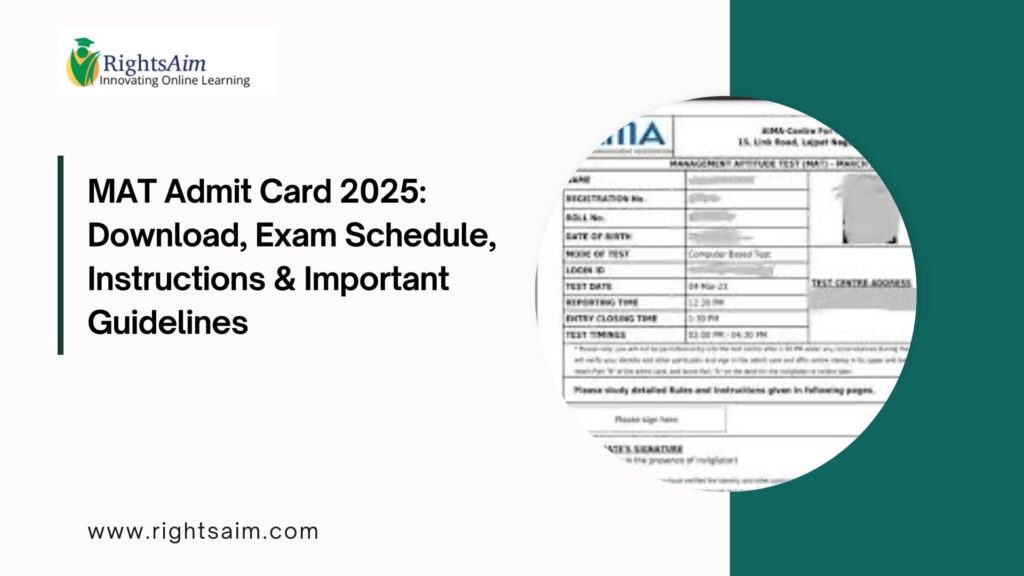
Table of Contents
What is MAT Admit Card 2025?
The MAT Admit Card 2025 is an official document released by AIMA for candidates who successfully complete the registration and fee payment process. It contains vital information such as the candidate’s name, exam date, test center address, shift timings, and important exam guidelines. Without this admit card, no candidate will be allowed to take the exam under any mode.
The admit card is released separately for PBT, CBT, and each IBT exam slot. Therefore, if a candidate registers for multiple modes, they must download admit cards separately for each mode.
MAT 2025 Admit Card Release Dates
MAT is conducted multiple times a year—February, May, September, and December sessions. For each session, the admit card is released 3–5 days before the exam date. Candidates should regularly check the official AIMA website to stay updated, especially if they have applied for IBT mode, which has multiple exam windows.
How to Download MAT Admit Card 2025
Downloading the admit card is a simple process and takes less than a minute if the login details are correct. Follow the steps below:
Visit the official AIMA website.
Go to the “MAT 2025” section.
Click on “Download Admit Card” for your chosen mode (PBT/CBT/IBT).
Enter your Email ID, Password, and Date of Birth.
The admit card will appear on the screen.
Verify all details carefully.
Download and print at least two copies for safety.
Candidates must use a stable internet connection to avoid errors during the download process.
Details Printed on the MAT 2025 Admit Card
Your MAT admit card contains several important details. Make sure everything is correct:
Candidate’s full name
Registration number and roll number
Photograph and signature
Exam mode (PBT/CBT/IBT)
Exam date and shift
Reporting time
Exam center address (for PBT/CBT)
System readiness instructions (for IBT)
Exam-day guidelines
If any detail is incorrect, you must contact AIMA immediately to avoid issues on the exam day.
Documents to Carry Along with MAT Admit Card 2025
On the exam day, candidates must bring the following documents:
1. MAT Admit Card 2025 (Printed Copy)
Black-and-white or color print is acceptable, but ensure that the photo is clearly visible.
2. Valid Photo ID Proof
Any one of the following:
Aadhaar Card
PAN Card
Passport
Voter ID
Driving License
College ID (with photo)
3. Photographs
Carry two passport-size photos (same as the one used during registration).
Without these documents, entry to the exam venue will not be allowed.
Instructions for MAT PBT (Pen-Paper Test)
If you are appearing for the PBT mode, keep the following guidelines in mind:
Reach the test center at least 1 hour before the reporting time.
Carry your own blue or black ballpoint pens.
Do not fold or damage your OMR sheet.
Rough work must be done only in the space provided.
Electronic devices, smartwatches, calculators, or any digital gadgets are strictly prohibited.
Candidates must follow the seating arrangements and remain calm throughout the exam duration.
Instructions for MAT CBT (Computer-Based Test)
For candidates choosing the CBT mode:
Reach the exam center early to complete biometric verification.
A system will be allotted to you only after proper identity verification.
Use only the mouse and keyboard provided; do not press unwanted keys.
Follow on-screen instructions carefully.
If the computer freezes or shows errors, immediately inform the invigilator.
The CBT pattern is user-friendly, and candidates can easily navigate through questions.
Instructions for MAT IBT (Internet-Based Test)
IBT mode requires a laptop/desktop and a stable internet connection. Follow these precautions:
Test your system using the AIMA Mock Check Tool before exam day.
Ensure a working webcam and microphone.
Sit alone in a quiet room with good lighting.
Do not use headphones or external devices.
Keep your ID proof ready for remote verification.
Any suspicious activity may lead to cancellation of the exam attempt.
What to Do If You Cannot Download the Admit Card?
If you face issues while downloading, check for:
Incorrect login credentials
Unstable internet connection
Incomplete registration or fee payment
If the problem continues, reach out to AIMA through the MAT helpdesk email or phone number for immediate assistance.
Exam-Day Tips for MAT 2025
Sleep well the night before.
Keep all required documents packed in advance.
Avoid studying at the last minute—revise only key formulas.
Stay calm and composed during the exam.
Manage time efficiently inside the exam hall.
Final Thoughts
The MAT Admit Card 2025 is your gateway to the management entrance exam, and downloading it correctly is the first step toward a successful attempt. Always cross-check details, follow the exam guidelines, and ensure that you are prepared well before the exam day. Whether you are appearing for PBT, CBT, or IBT, being organized will enhance your overall exam experience.